
This article explains how to troubleshoot common Assignment of Benefits errors in Bp Premier.
IMPORTANT On the 18th of June it was announced that the Government has revised the Assignment of Benefit transition timeline. Please read this article for more information.
|
Issue |
Solution |
|---|---|
Assignment of Benefit |
|
|
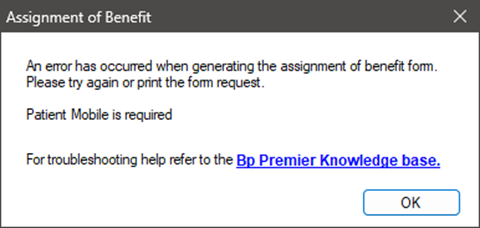
An error has occurred when generating the assignment of benefit form. Please try again or print the form request. Patient Mobile is required.
|
A contact phone number must be recorded in the Patient details. Enter a contact phone number and try again. |
|
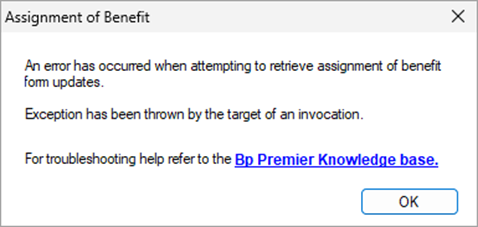
An error has occurred when attempting to retrieve assignment of benefit form updates. Exception has been thrown by the target of an invocation.
|
Check the error log file found at found at C:\Program Files\Best Practice Software\BPS\BPSError.Log and try again. If the error persists, contact Bp Support. |
|
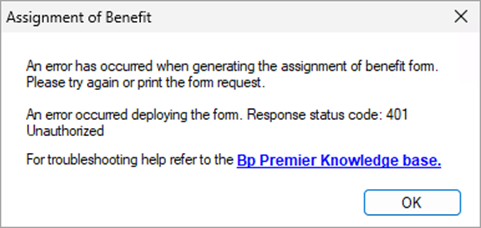
An error has occurred when generating the assignment of benefit form. Please try again or print the form request. An error occurred deploying the form. Response status code: 401 Unauthorized.
|
Check the error log file found at found at C:\Program Files\Best Practice Software\BPS\BPSError.Log and try again. If the error persists, contact Bp Support. |
BPS Account |
|
|
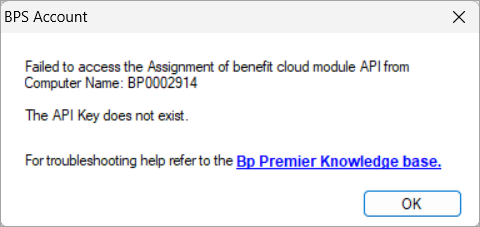
Failed to access the Assignment of benefit cloud module API from Computer Name: The API Key does not exist.
|
If the error persists, contact Bp Support. |
|
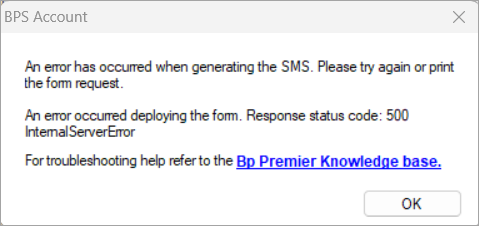
An error has occurred when generating the SMS. Please try again or print the form request. An error occurred deploying the form. Response status code: 500 InternalServerError
|
Check the error log file found at found at C:\Program Files\Best Practice Software\BPS\BPSError.Log and try again. If the error persists, contact Bp Support. |
|
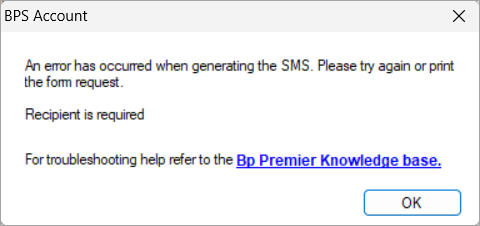
An error has occurred when generating the SMS. Please try again or print the form request. Recipient is required.
|
The to: field was blank when generating the SMS request form. Enter a mobile number into the field and try again. |
|
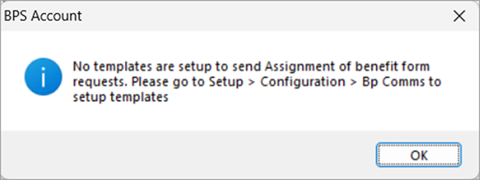
No templates are setup to send Assignment of benefit form requests.
|
Bp Comms is not set up correctly. See Get started with Bp Commsfor more information. |
Bp Comms |
|
|
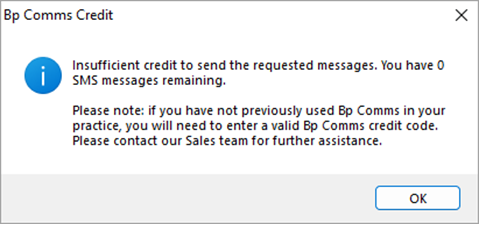
Insufficient credit to send the requested messaged. You have 0 SMS messages remaining.
|
Contact the Bp Sales team to purchase a Bp Comms pack. |
|
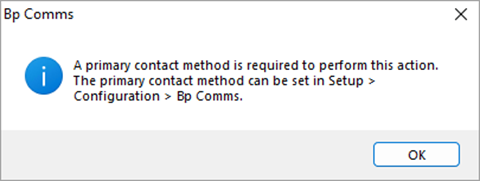
A primary contact method is required to perform this action.
|
The primary contact method can be set in Setup > Configuration > Bp Comms. See Get started with Bp Comms for more information. |
|
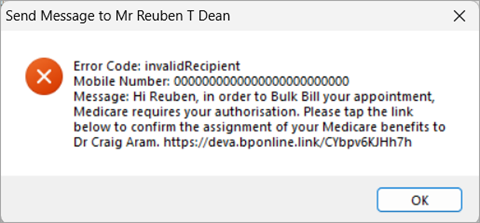
Error Code: InvalidRecipient
|
The mobile number in the to: field was incorrect when generating the SMS request form. Check for the correct mobile number and try again. |
Last updated: 15 May 2026.



 AU
AU 